






- For teleskop, kikkert og mikroskop
- Nøyaktig justering i 3 akser
- Robust konstruksjon
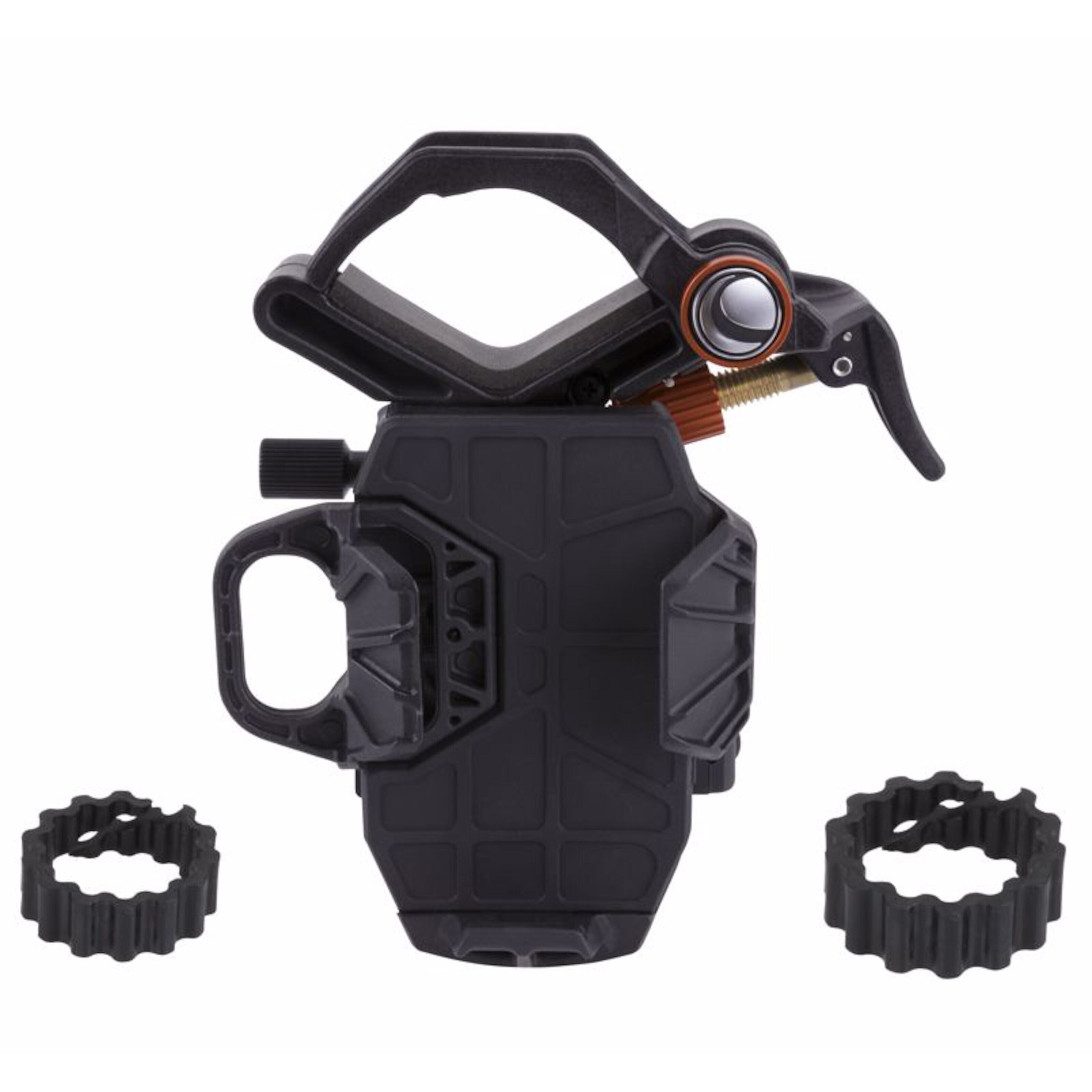
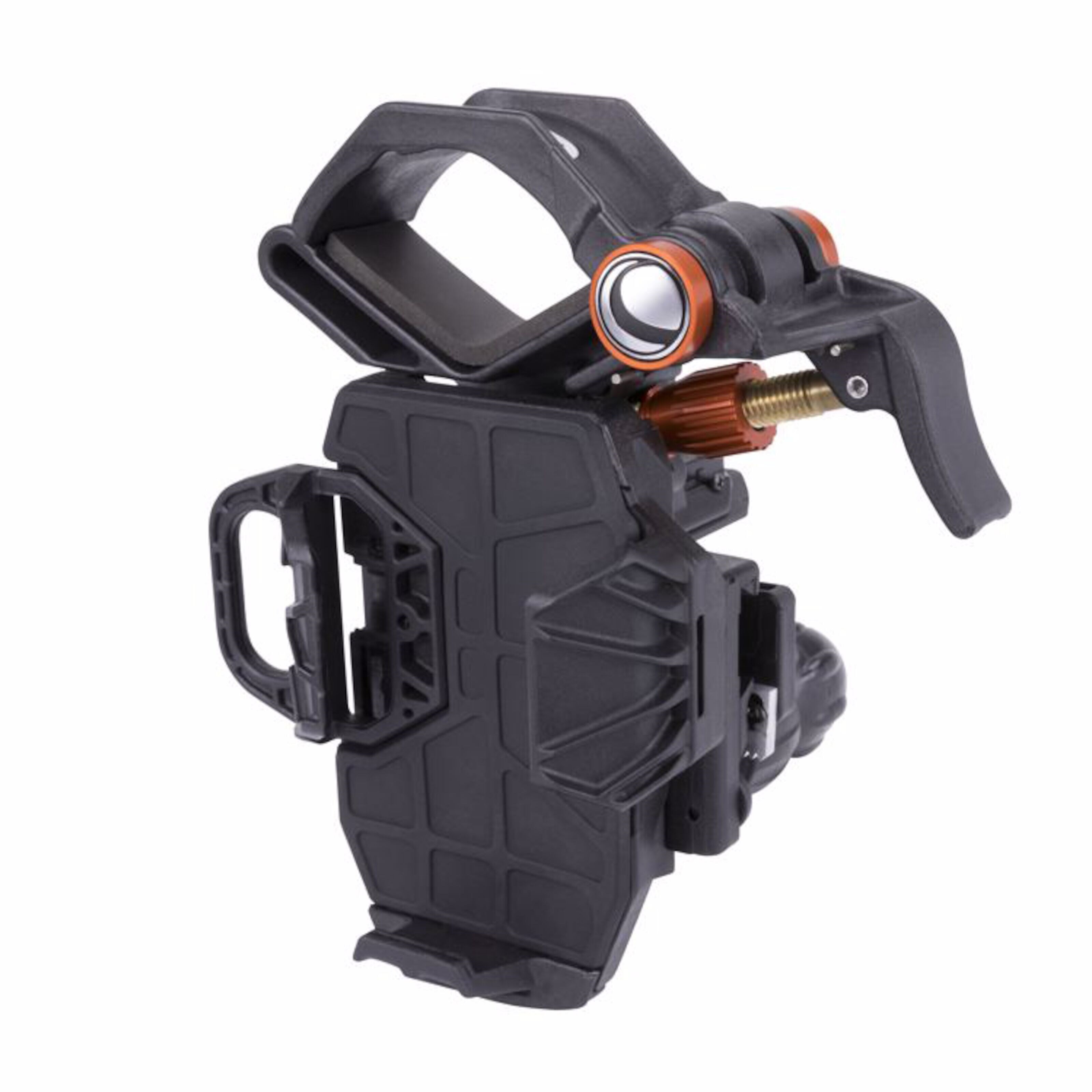
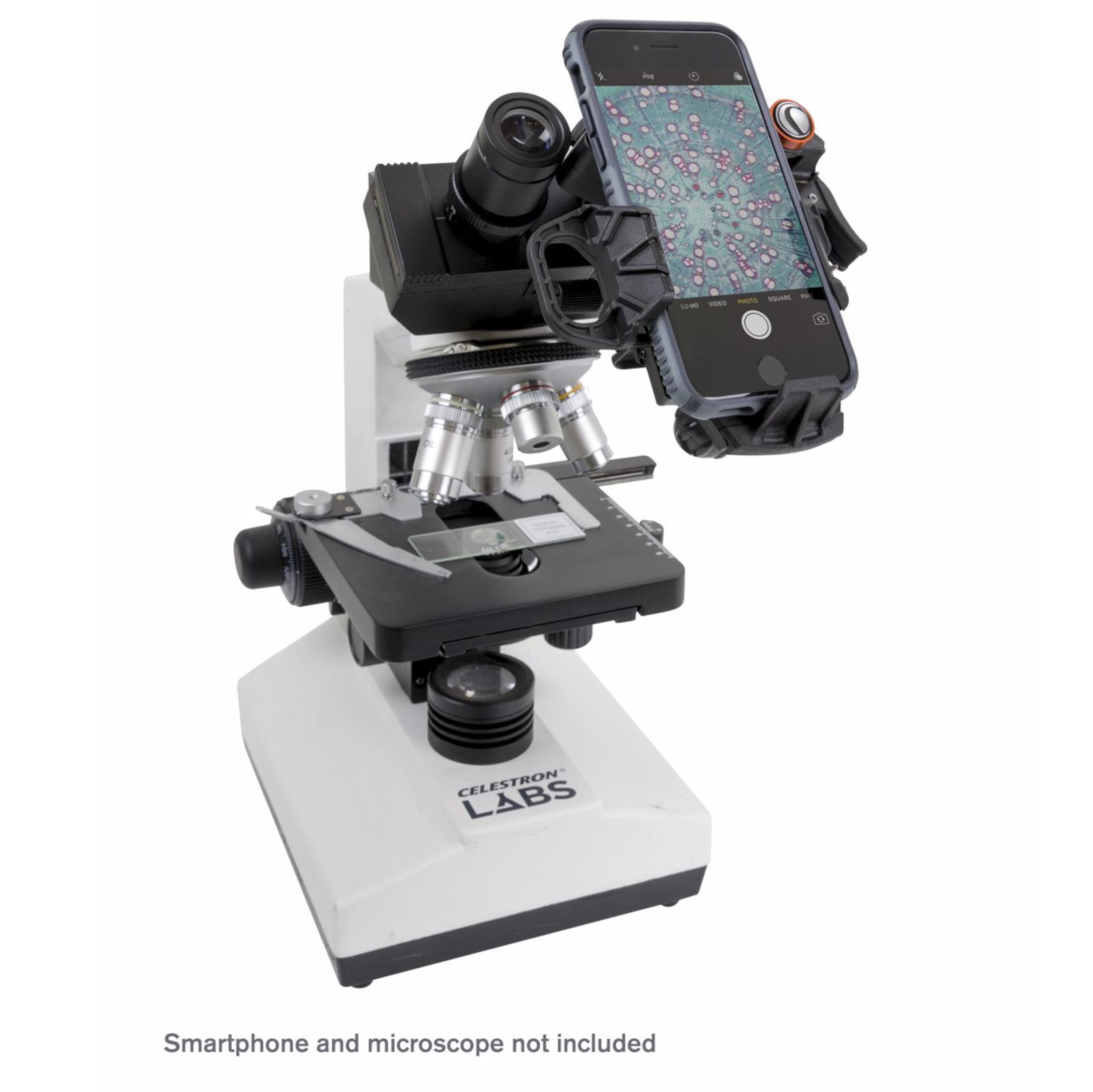
Adapter for å fotografere planeter og himmellegemer med mobilen og teleskopet. Kan også brukes med andre optiske instrumenter, som mikroskop og kikkert. Enkel og rask montering med hurtigfeste for okular på Ø35 til 60 mm. Justerbar i 3 akser, slik at mobilens kameralinse kan plasseres helt parallelt med det optiske instrumentet. Dette er helt avgjørende for å lykkes med å få gode bilder. Inkluderer adapterring for bruk med okular på Ø25 mm. Passer til de fleste mobiltelefoner. Laget av metall og kraftig, gummiert plast.
Celestron NexYZ 3 Digiscopingadapter
Mobilholder for teleskop
Artikkelnr: 12004
NexYZ Imaging Tips and Tricks
Camera Controls
The standard camera apps that come preinstalled with your smartphone offer very rudimentary controls and are designed to automatically adjust focus and exposure. This is not a problem for everyday photography such as landscapes or portraits, but can be a problem for imaging a planet or the Moon where you have a very bright object against a very black sky. The phone’s camera tries to compensate for the imbalance of lighting by brightening up the dark areas, but this causes the bright areas to overexpose and blow-out the details. If your camera app settings do not allow you to manually select the focus point or have an option to disable the autofocus or auto-exposure, you may want to consider using a different camera app. You can find lots of aftermarket apps for iOS and Android that offer a greater amount of control for your camera. Many of these are free.
Vibration
To help eliminate any vibration induced when you touch the camera to snap the image, try using a shutter delay. Some apps offer a 2, 5, or 10 second delay before snapping the image. This will give the vibrations a chance to dissipate before actually taking the images.
Subjects to Shoot
Using this method, you should be able to take images of daytime terrestrial objects and nighttime astronomical images of the Moon and bright planets (Venus, Mars, Jupiter and Saturn). Unfortunately, smartphone camera sensors are not designed to work well in very low light, so it will not be possible to capture faint astronomical objects such as galaxies or nebulae in this manner.
Magnification
When looking at the Moon or planets with a stationary telescope, you will notice that the object appears to drift across the field of view. This is actually caused by the Earth’s rotation. If you were looking visually through your 20 mm eyepiece, a planet would take approximately 3.0 minutes to drift across the entire eyepiece’s field of view. If you are using the 10 mm eyepiece, it would only take 1.5 minutes. The smartphone does not use the entire eyepiece’s field of view and only uses the center of it, making the motion appear even faster. When centering an astronomical object in the phone’s field of view, try leading the target. Try to point the scope ahead of the planet so that it is just entering the field of view. This will maximize the amount of time it takes to drift across the entire field, allowing you more time to take images before needing to re-aim the telescope. The 10 mm will have a narrower field of view and will need to be adjusted more often as a result. Working with the 20 mm eyepiece will be easier at the start. Once you are comfortable with it, try stepping up to the 10 mm eyepiece.
Kommentar